How to Recover Free Fire Account: Step-by-Step Guide
Lost your Free Fire account? Don’t worry! You are able to get it back. Whether you forgot your login details, lost access to Facebook or Google, or even someone hacked your account, the right recovery method helps you get your account back.
We provide you a simple way on how you can recover your account. Apply this simple, step-by-step ways to recover your Free Fire account using Garena’s official recovery options.
How to Recover a Free Fire Account
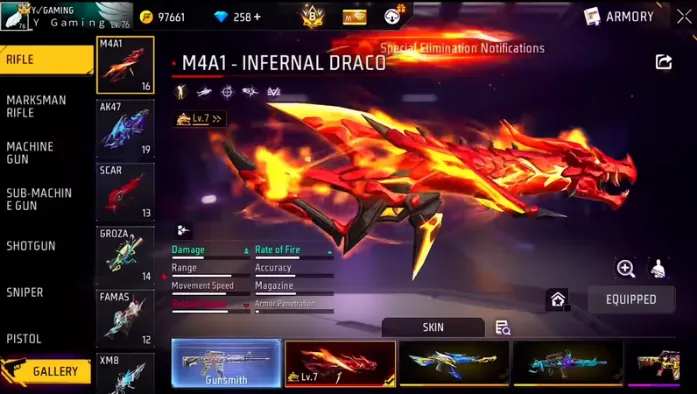
You may be able to recover your Free Fire account in a few simple steps. The right method depends on how you linked your account and what happened.
Never share your password or verification code with anyone. Avoid websites or people who promise to recover your account for money or guarantee success.
How to Recover a Free Fire Account Step by Step
If you linked a recovery email to your Free Fire account before losing access, you may be able to get your account back using Garena’s Account Recovery feature. Follow these simple steps:
Once the process is complete, log in using your newly linked account.
Can’t find the Account Recovery option? Don’t worry. The steps may differ depending on your account situation. Try recovering your original Facebook or Google account for help.
How to Recover a Free Fire Account Without Facebook or Google
If you cannot access the Facebook or Google account linked to Free Fire, your next step depends on whether you previously bound a recovery email.
Garena cannot recover your lost Facebook, Google, VK, or X account for you. If you haven’t linked a recovery email to Free Fire, getting access to your original login account may be the best way to regain access to your game
How to Recover a Hacked Free Fire Account
If someone has accessed your Free Fire account without permission, act quickly to protect it.
Never share your password or verification codes with strangers. Avoid paying anyone who promises guaranteed account recovery. Use Garena’s official support channels to get help safely.
Can You Recover a Lost Free Fire Guest Account?
Lost your Free Fire guest account? Your game data is saved on your device, not Garena’s servers. If you lose your device or delete the game data, Garena cannot recover your guest account through its support service.
If you still have your original device, avoid deleting the game or clearing its data. Once you regain access, link your account to a supported login platform and set up a recovery email if available.
How to Contact Garena Free Fire Support
Still can’t recover your Free Fire account? You can contact Garena through its official support website and submit a request for help.
Follow these simple steps:
Only use Garena’s official support website. Never share your password or verification codes with anyone claiming they can recover your account for you.
Why Can’t I Recover My Free Fire Account?
If recovery is unsuccessful, identify the problem before trying again.
Problem | What to Do |
Recovery code not received | Check your inbox, spam folder, and registered email address |
Facebook or Google login fails | Recover your login through the relevant platform |
Recovery email is unavailable | Follow Garena’s official support instructions |
Guest account data was deleted | Check Garena’s guest-account recovery limitations |
Account is suspended | Follow the official account suspension process |
Support request fails | Check the selected issue and required information |
Not every account can be recovered. Provide accurate information, follow the official process, and avoid services that promise guaranteed results.
Frequently Asked Questions
Final Thoughts
Lost your Free Fire account? Try using your recovery email, recover your linked Facebook or Google account. Remember, a guest account may not be recoverable if its game data is lost. Once you get your account back, secure your login details and set up a recovery email if available to help protect your account.