ZoriDiamantes For PC – Download and Installation
Want to run ZoriDiamantes for PC on Windows 10 or 11. You have to first get started with a simple setup process, check your PC requirements, and also you can explore its available features on a bigger screen with easy controls.
We have provided you with a full walkthrough on how you can download and install ZoriDiamantes, optimize game performance, fix common issues, and check device compatibility with ZoriDiamantes APK so you can prepare your PC for a smoother experience.
What Is ZoriDiamantes For PC?
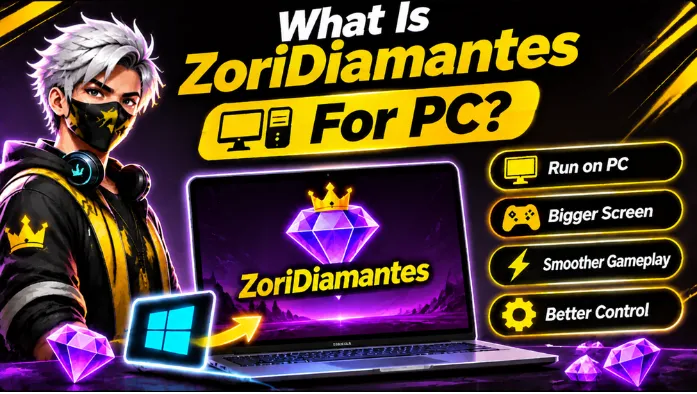
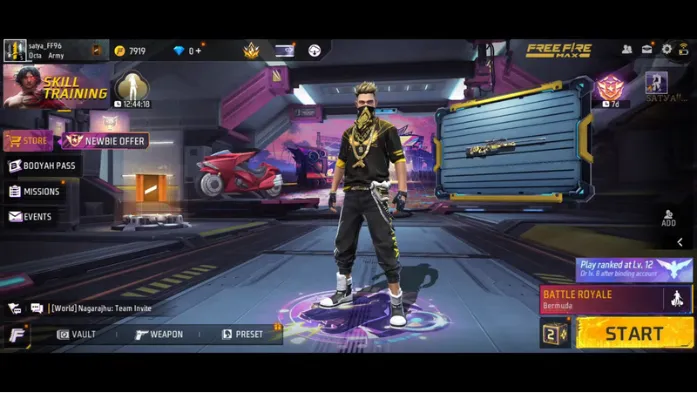
It allows Free Fire players to access it on their Windows computer. You can access Free Fire-related features and other customization options on your screen.
You only need a compatible Android emulator to run it on Windows 10 and 11. Android emulator creates a virtual Android environment where you can run Android apps on the PC.
Can You Download ZoriDiamantes For PC on Windows 10 and 11?
You can run it on Windows 10 or 11 using an Android emulator like BlueStacks. Download the compatible APK, install it in the emulator, and check that your PC meets the system requirements.
Before installation, check the following:
PC System Requirements
Check your PC’s system requirements before installing ZoriDiamantes for PC. The table below lists the minimum and recommended requirements for running BlueStacks 5.
Requirement | What to check |
Operating system | Windows 10 or 11 is recommended for current BlueStacks versions |
Processor | Compatible Intel or AMD processor |
RAM | At least 4 GB; 8 GB or more recommended |
Storage | At least 5 GB of free disk space for BlueStacks |
Graphics | Updated graphics drivers |
Virtualization | Check whether virtualization is enabled or required for your setup |
Internet | Stable broadband connection for online services |
How to Download and Install it on PC
To install ZoriDiamantes for PC, set up an Android emulator, download the compatible APK, and follow the installation steps below.
01
Step 1: Choose a Compatible Android Emulator
First you need to install the BlueStacks emulator on your computer that meets your current system requirements. Download the installer from the official source rather than from an unknown download page.
02
Step 2: Download and Check the APK File
Download the ZoriDiamantes APK from our recommended download source and check the version and compatibility before installing it on your PC.
03
Step 3: Install the APK in the Emulator
Open BlueStacks and select the Install APK option. Choose the downloaded ZoriDiamantes APK file and follow the on-screen instructions to complete the installation.
04
Step 4: Open the App and Check Compatibility
Once installed, open ZoriDiamantes in BlueStacks and check that it runs correctly on your PC. Make sure the app is compatible with your emulator before using its features.
ZoriDiamantes Features for PC
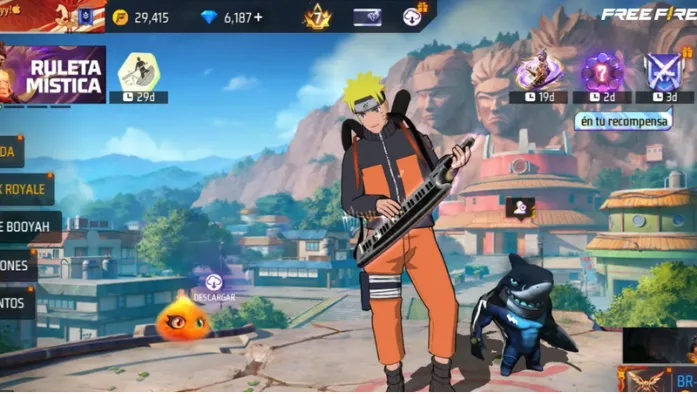
It offers Free Fire-related features and customization options, depending on the version you use. Available features may vary, so check the version details before installation.
Advertised feature | What users should know |
Customization options | Availability depends on the specific APK version |
Visual effects | May differ across versions |
Character and pet skins | Claims require independent verification |
Aim or recoil adjustments | May involve unauthorized gameplay modifications |
Keyboard controls | Usually provided by the emulator |
Larger display | Depends on the PC and emulator setup |
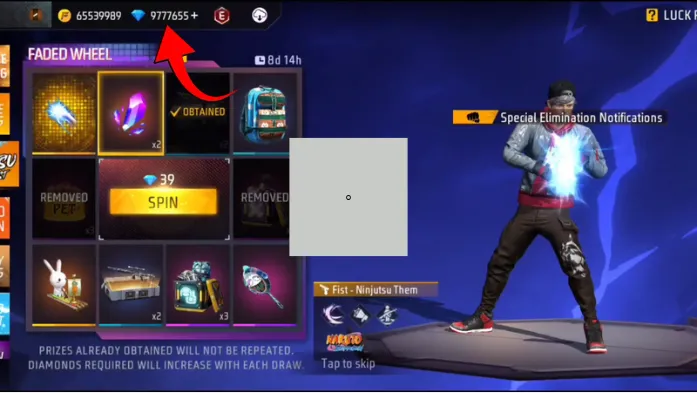
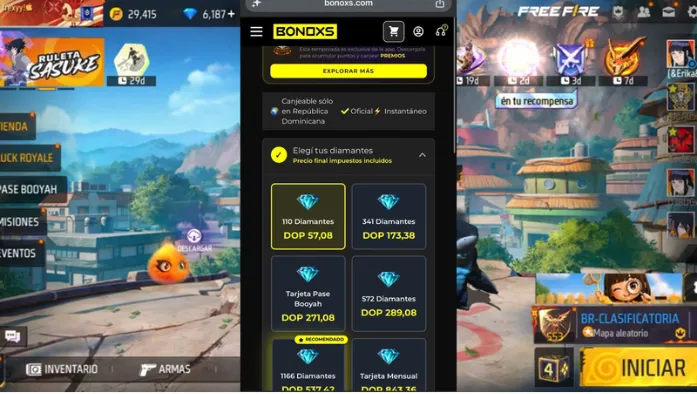
Playing on a PC can provide a larger screen and keyboard and mouse controls through a compatible emulator. However, installing ZoriDiamantes does not guarantee free Free Fire diamonds or unlock paid items.
Is ZoriDiamantes For PC Safe to Use?
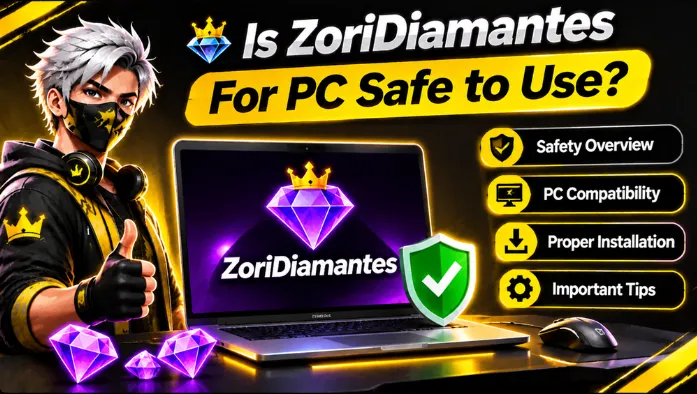
Before installing ZoriDiamantes for PC, check the APK source, file permissions, and compatibility with your emulator. Never share your Free Fire password or verification codes, and keep your antivirus protection enabled.
Using unauthorized tools that modify Free Fire or provide unfair advantages may result in an account ban. For a safer gaming experience, use authorized downloads and official in-game features.
How to Improve ZoriDiamantes Performance on PC
Improve ZoriDiamantes For PC performance by adjusting your emulator settings, closing unnecessary background apps, and updating your graphics drivers. These steps can help your PC run compatible apps more smoothly.
Close Unnecessary Background Applications
Close programs you do not need while the emulator is running. This frees up memory and processor resources for the active application.
Allocate Suitable RAM and CPU Resources
Use the emulator’s recommended resource settings. Assigning too much memory to the emulator can also affect other programs running on your PC.
Update Graphics Drivers
Update your graphics drivers to improve display quality and fix potential graphics issues while running it.
Adjust Emulator Settings
Try a supported display resolution and graphics mode if the emulator offers these options. Change one setting at a time so you can identify which adjustment helps.
Common ZoriDiamantes For PC Problems and Fixes
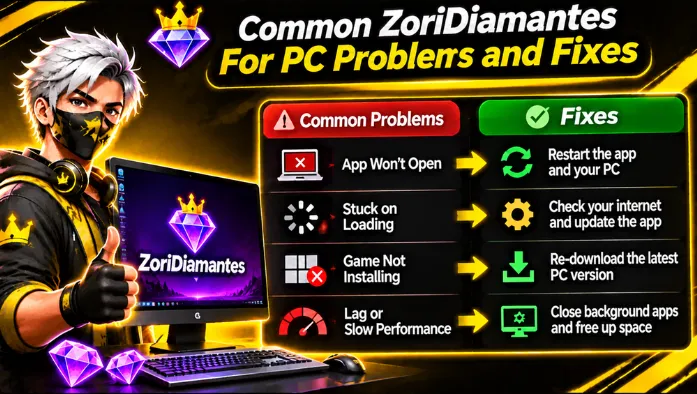
If the application fails to install or open, the cause may be a damaged file, incompatible Android version, emulator configuration, or unsupported functionality.
Problem | What to check |
APK will not install | File integrity and Android compatibility |
Emulator crashes | Emulator requirements and available resources |
App shows a blank screen | APK compatibility and app permissions |
App runs slowly | Background processes and emulator settings |
Features do not work | Version compatibility and unsupported functions |
Security warning appears | Stop and verify the file before proceeding |
Check the emulator’s error message and troubleshooting guide if it fails to install or open. If a security warning appears or the APK repeatedly fails, stop the installation and verify the file before trying again.
Pros and Cons of Using ZoriDiamantes on PC
Using an emulator can offer practical benefits, but it also introduces limitations that users should consider before attempting installation.
Potential advantages | Potential disadvantages |
Larger display | An emulator may be required for an Android-only APK |
Keyboard and mouse mapping where supported | Compatibility is not guaranteed |
More screen space for supported interfaces | Third-party APKs may present security risks |
Access to supported Android apps on a computer | Unauthorized game modifications may lead to account penalties |
Using an emulator lets you run compatible apps on a larger screen with keyboard and mouse controls. However, free diamonds and premium items are not guaranteed, so use authorized downloads to protect your Free Fire account.
FAQ
Final Thoughts
ZoriDiamantes For PC lets you explore ways to run the app on Windows using a compatible Android emulator. Check the system requirements, follow the installation steps, and verify compatibility before getting started. For the best experience, keep your PC protected and your Free Fire account secure.